
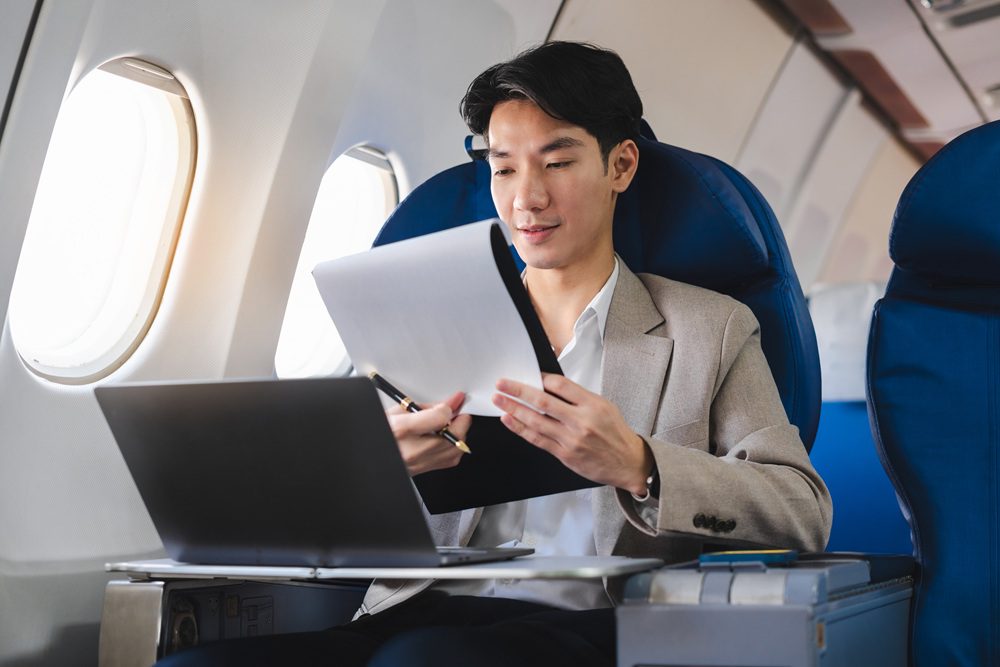
We’ve heard of WFA (Work from Anywhere), but what if working from anywhere could mean working from the plane (WFP), and doing so in a productive way? Staying connected at 35,000 feet is becoming the new normal, with in-flight Wi-Fi widely available.
One reality is actually being able to work with the right technology; another reality is how to do so comfortably. If you’re constantly fighting to figure out how to place your elbows or screen placement, you may wind up with the classic “T-rex typing” posture, which let’s just say is not exactly what your osteopath ordered.
GetGoing’s Vice President of Sales & Customer Success, Jeff Ochaita, helped share practical, experience-tested tips for working smarter in the air, without risking a stiff neck.
5 winning tips for how to work on a plane productively
Find below some in-flight work tips to stay productive while flying for work:
1. Choosing the right seat is non-negotiable
If you’re planning on working from the plane, check your travel policy to see if it allows for paid seat choices. If so, choose a seat that can help you work more comfortably. Some options:
- Bulkhead rows: Steady tray tables and no one reclining their seat in front of you means you can work more comfortably. There’s nothing that cramps your working style like when someone reclines their seat while you’re trying to work under already cramped circumstances.
- Exit rows: Extra legroom is always a good idea. Not only for your own comfort, but it also makes it so you can more strategically position your laptop.
- Business or premium seating: Policy permitting, the best working conditions will be found on business or premium seats. More space, more ergonomic conditions also means more productivity, especially for long-haul flights.
2. Make sure you have a compact laptop
An ideal ergonomic set-up at home, is not the same as from “cattle car seating”. Of course having a bigger laptop is often ideal for productivity, a 16-inch laptop doesn’t quite fit on a standard tray table, which is typically around 16.5” wide. A 13’’ screen can fit better, reduce wrist strain and support better posture.
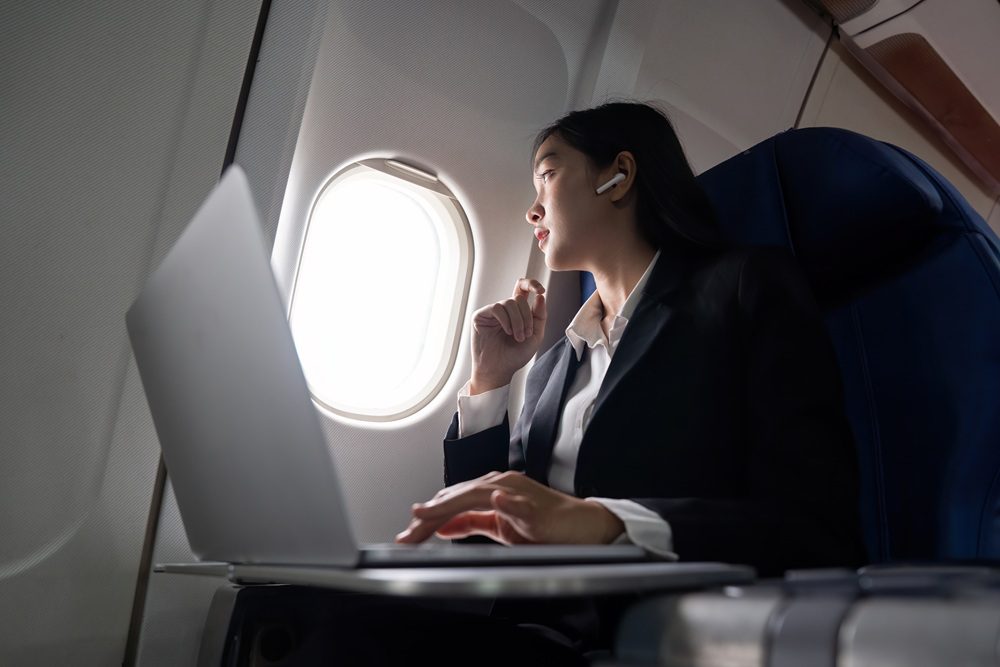
3. Don’t underestimate a few small accessories that can make a big difference
Support your WFP with helpful accessories that can increase comfort:
- Inflatable travel pillow: Use the pillow to raise the screen and improve posture.
- Laptop stand: Helps raise the computer so it’s at more eye level and reduces neck strain. Usually works better in bulkhead or premium seats.
- External wireless keyboard: Consider placing the portable keyboard on your lap so you can type comfortably for extended periods of time.
4. Play around with your screen settings
Consider using lower brightness levels, dark mode or even after sunset settings to not disturb your neighbors. It’s also better when you’re working with sensitive content and so you don’t disturb your neighbor with a bright screen, especially on an overnight flight.
5. Use your discretion about when to work and when not to work
Don’t just work for the sake of working. Sure, you have to finish a presentation, or catch up on emails, but sleep and traveler wellbeing is equally important. Sometimes, the most productive choice is rest, allowing you to relax and mentally prepare for the meetings ahead. Perhaps choose tasks like reading, planning or organizing your week’s work, rather than risking a stiff neck to get stuff done. After all, poor posture can have a negative impact on the rest of the trip
Why business travel productivity on flights matters for corporate travel programs
Traveler comfort and productivity are directly related to traveler experience, wellbeing, performance, and overall program satisfaction. It’s important to educate travelers to make decisions around working from the plane that help preserve wellbeing, not creating added stress on the body or on the traveler who feels like they have to work just because they can.
According to BCD traveler wellbeing research, “When business travelers were asked which onboard amenities most support their wellbeing, free Wi-Fi ranked among the top three, alongside ample space and inflight entertainment.” Connectivity isn’t just a nice-to-have, but helping to shape the traveler experience.
FAQ
What travel accessories can I use to more comfortably work from the plane?
A portable laptop stand, a blowup neck pillow and a tiny remote keyboard.
What should travel managers or HR managers have in mind when it comes to working from the plane?
It’s important for travel managers and HR managers to educate travelers around how to make educated decisions about whether working from the plane is the right decision.
What are the best seats for working from the plane?
Bulkhead, premium or business class.
How big is a standard tray table?
A standard tray table is usually 16-17 inches wide and 9-11 inches deep. However, size will depend on the airline, aircraft model and seat location.