
Hey travelers!
Your travel and expenses — finally in one place.

Take your travel and expense experience to the next level
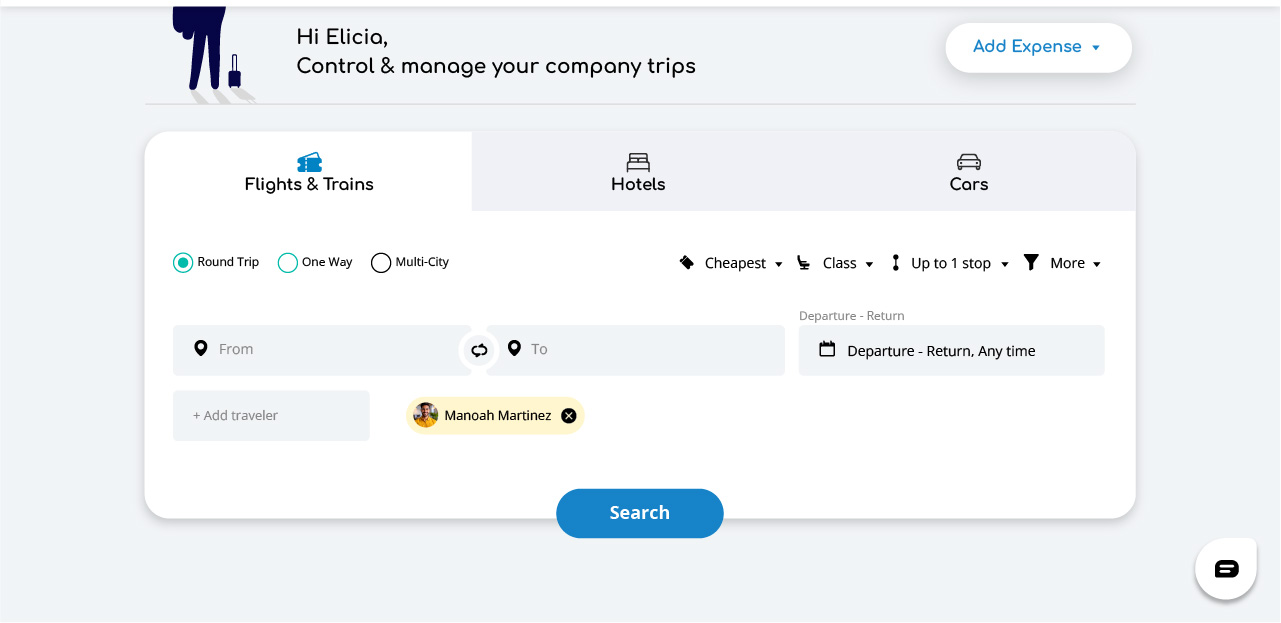
Whether it’s booking flights or trains, finding accommodation or a rental car or submitting expenses, GetGoing brings everything you need into one seamless experience. Our intuitive platform makes business travel simple and stress-free — all while ensuring you follow your company’s policies.


Key benefits for you
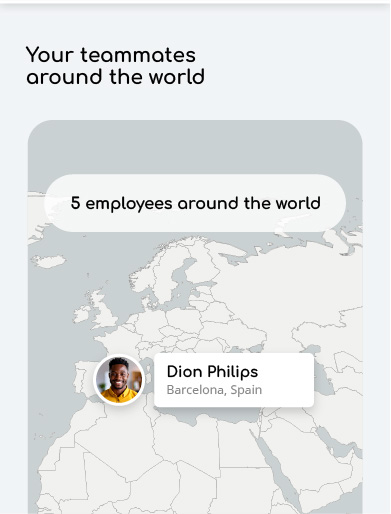
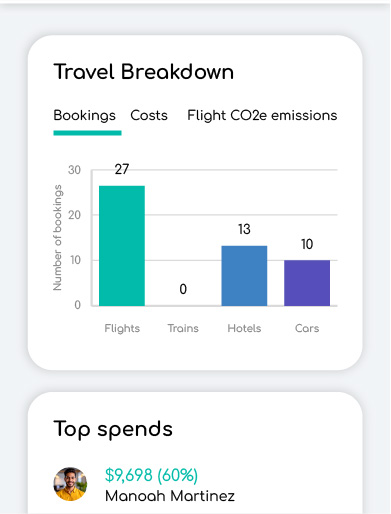
All travel in one place
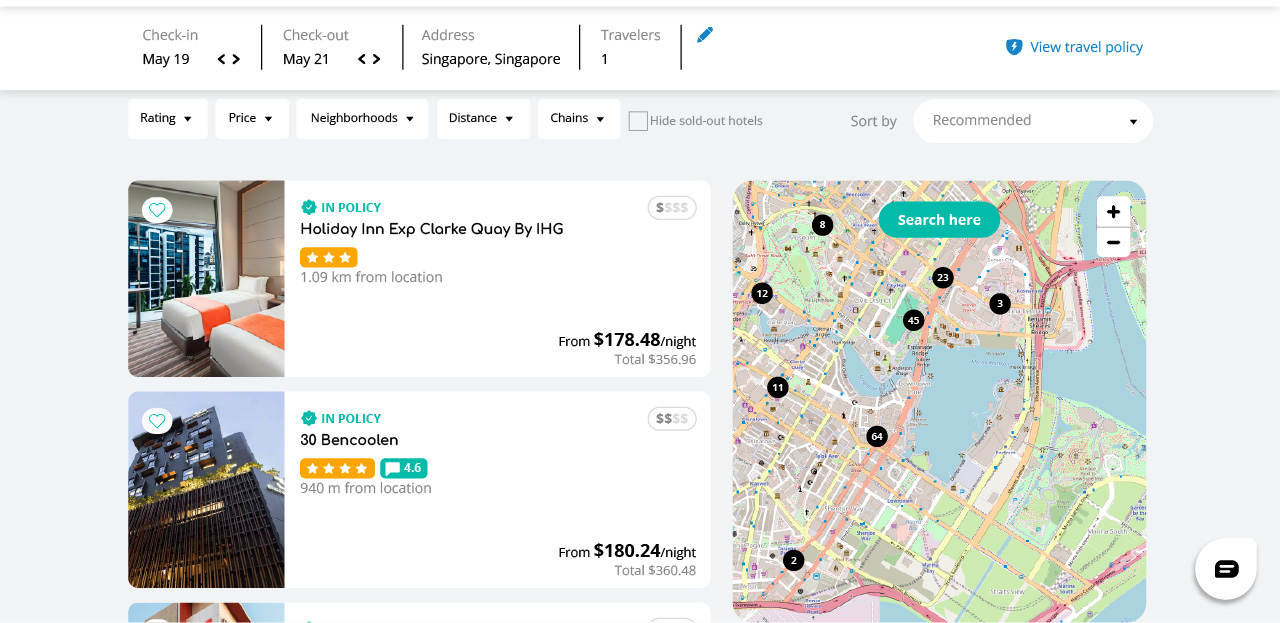
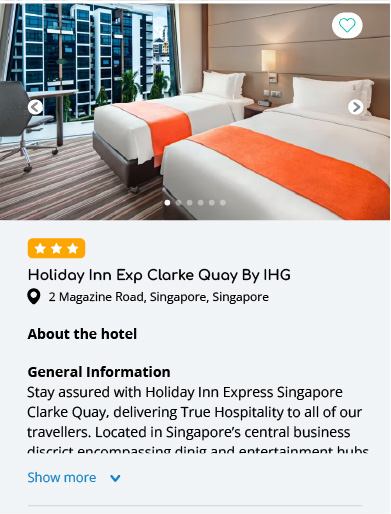
Book flights, hotels, car rentals, and trains in one place
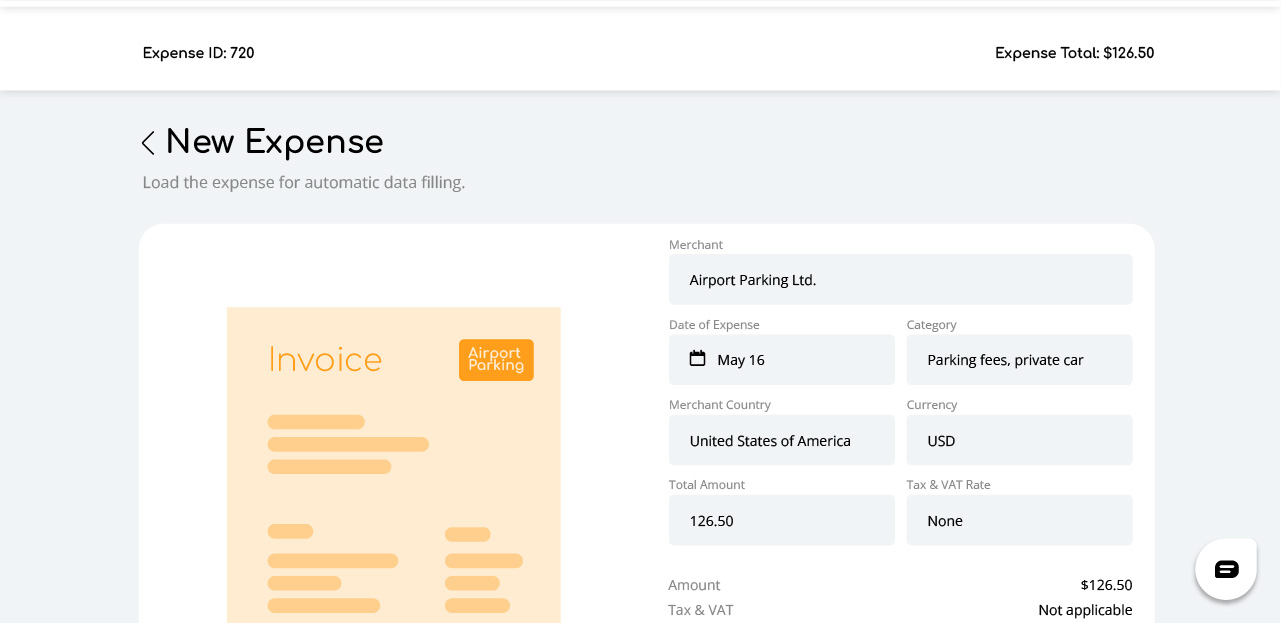
Easy expenses
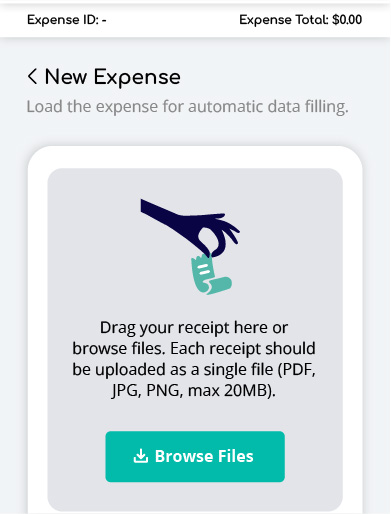
Submit and track expenses hassle-free
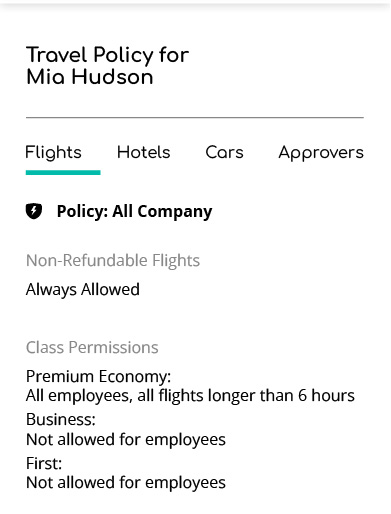
Stay compliant
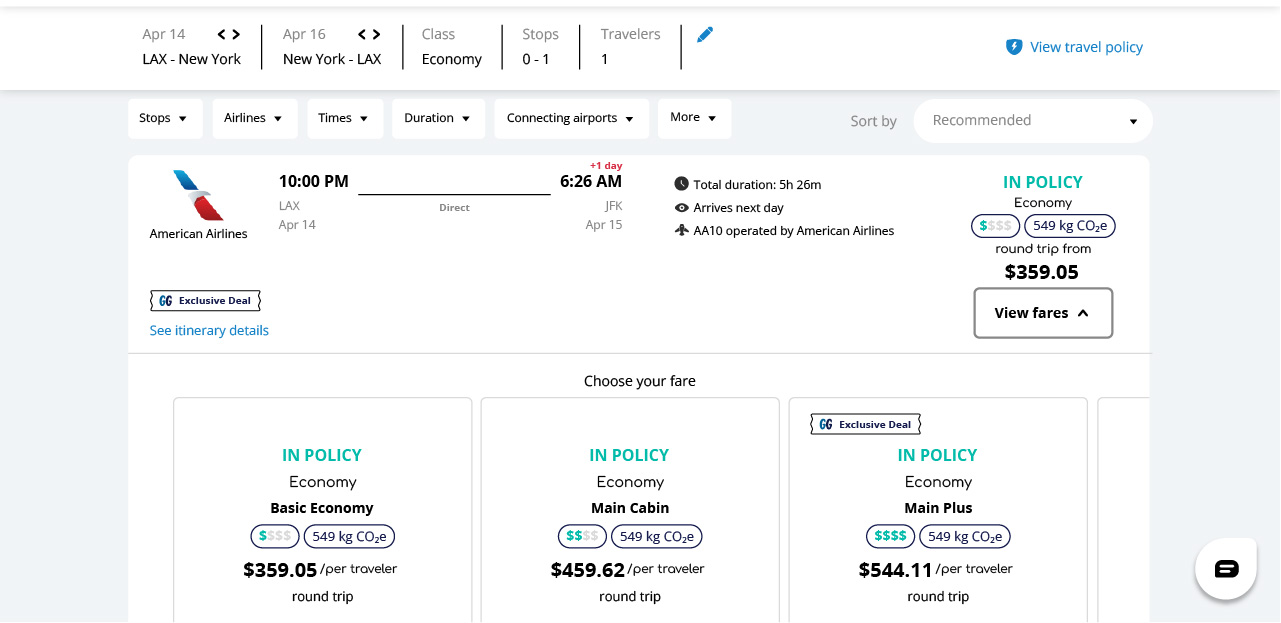
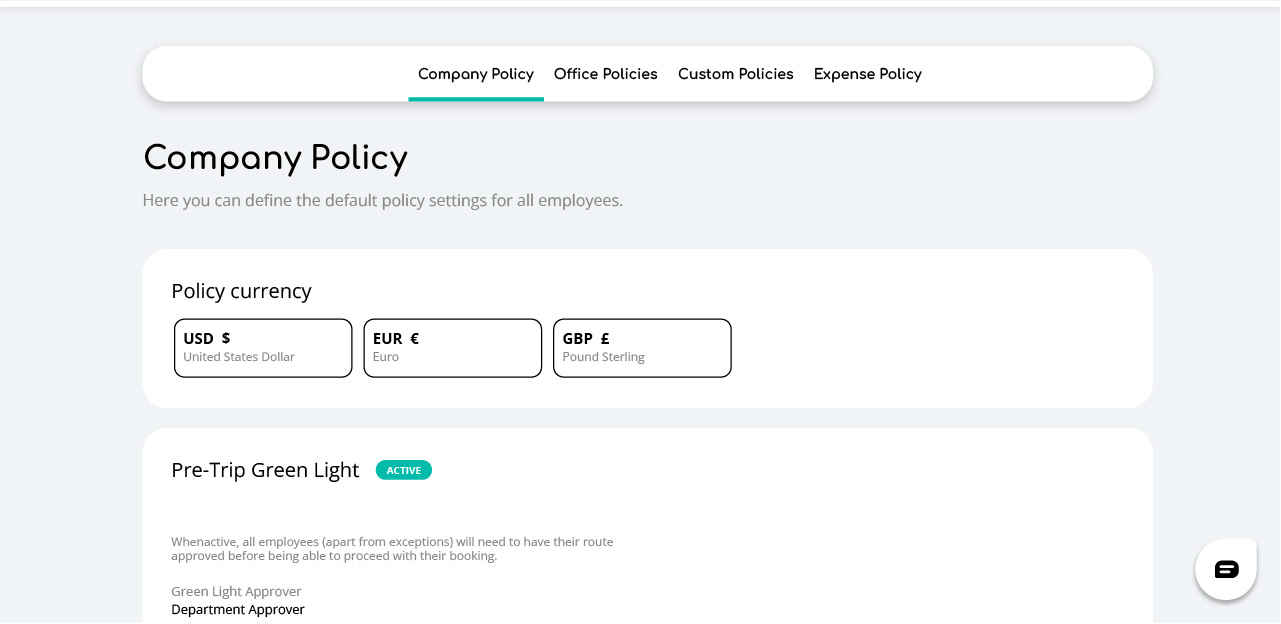
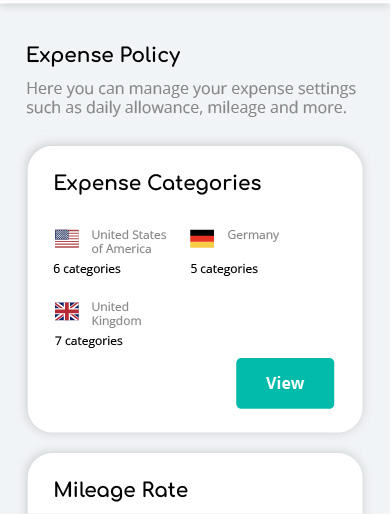
Stay compliant with your company’s T&E policies automatically
On any device
Manage your bookings and expenses easily on desktop or mobile

How GetGoing supports travelers
GetGoing helps streamline the entire travel journey—from booking and managing trips to handling unexpected changes— all in one intuitive, cloud-based platform.
- Save time by securely storing your personal details and preferences, enabling quick, hassle-free bookings.
- With built-in policy automation, you can automatically stick to company travel guidelines and approvals.
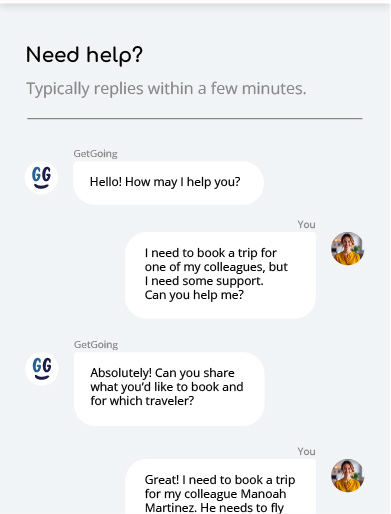
- When you need it, 24/7 support is just a call or click away.
Travel and expense features that work for you
save time and money
with your T&E policies
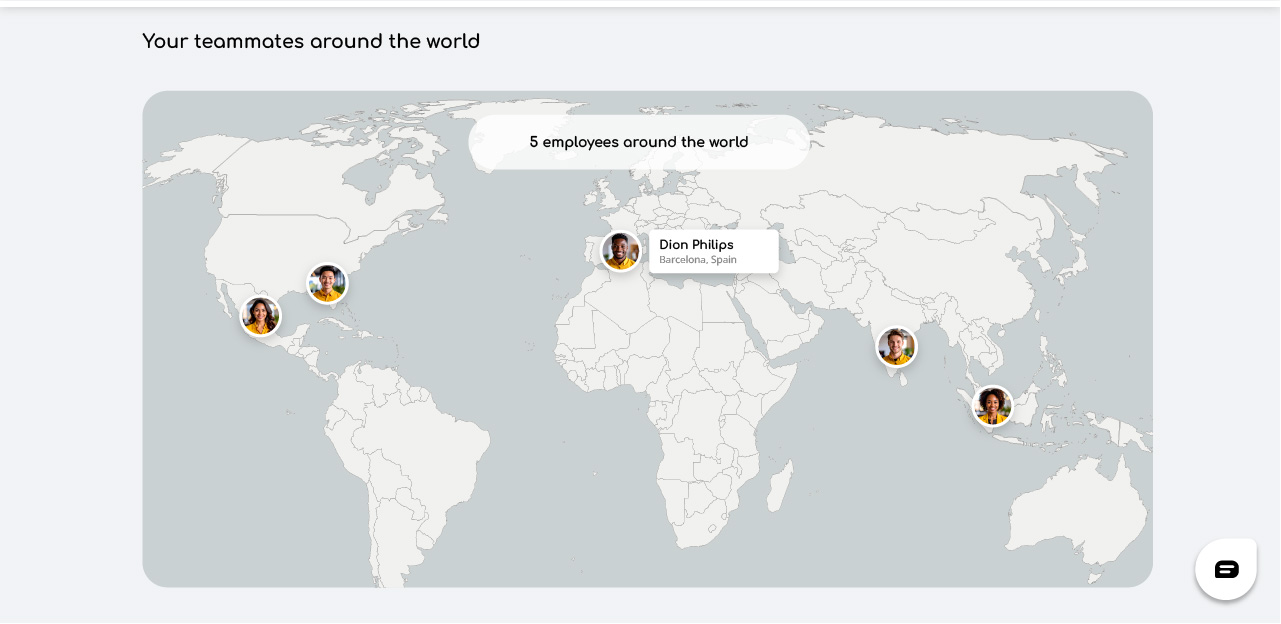
employees on the go
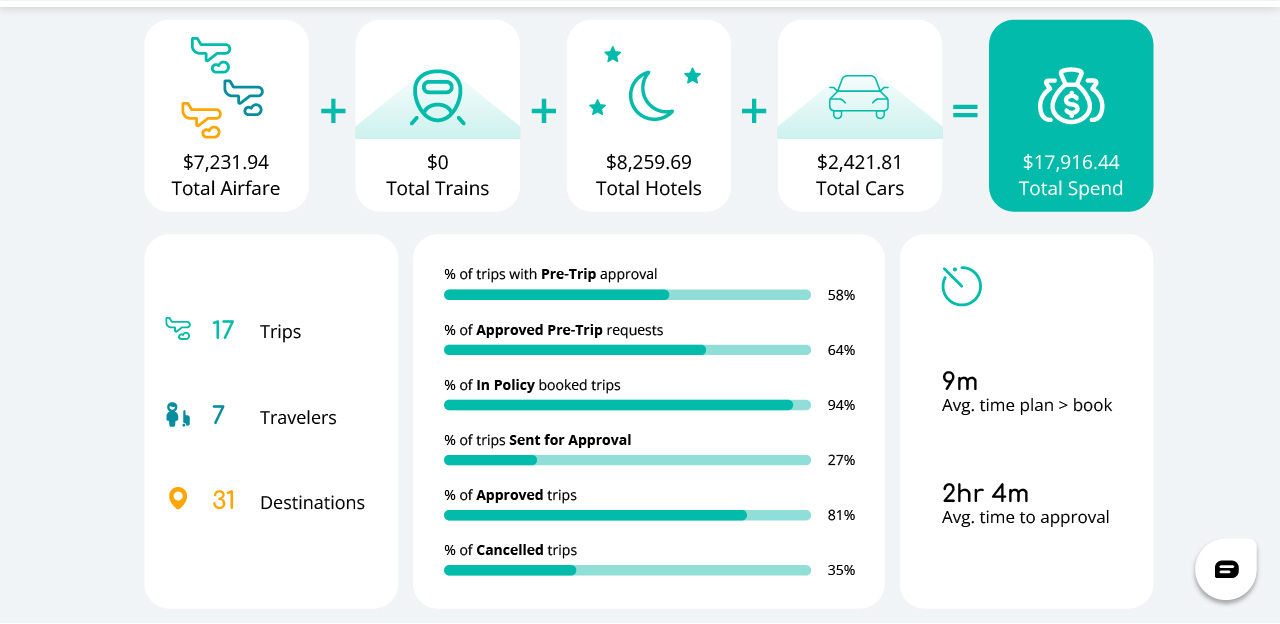
expense tracking and approvals
into smarter decisions
Frequently asked questions for travelers and employees
What can I do as an employee in GetGoing?
You can search and book flights, hotels, car rentals, and train travel; manage your
bookings; submit expense reports; upload receipts from your phone; and track the status of your reimbursements, all from one place.
How do I know if a booking is within company policy?
You don’t have to check manually. The platform shows you only compliant options by default. If something is out of policy, it’s flagged before you book, not flagged after the fact by a manager.
Do I need training to use GetGoing?
No. The booking experience is designed to feel familiar, similar to any consumer travel site, with company policy applied automatically in the background. Most people can start booking without any formal training.
How do travelers and employees submit expenses after a trip?
Open the GetGoing app, use the receipt scanner to capture your receipts, and
submit your expense report directly through the platform. Everything is linked to your trip record, so you don’t need to re-enter booking details.
Help when you need it, wherever you go
Our expert support team is just a call or click away, ready to assist you with travel or expense questions anytime, anywhere.